.webp)

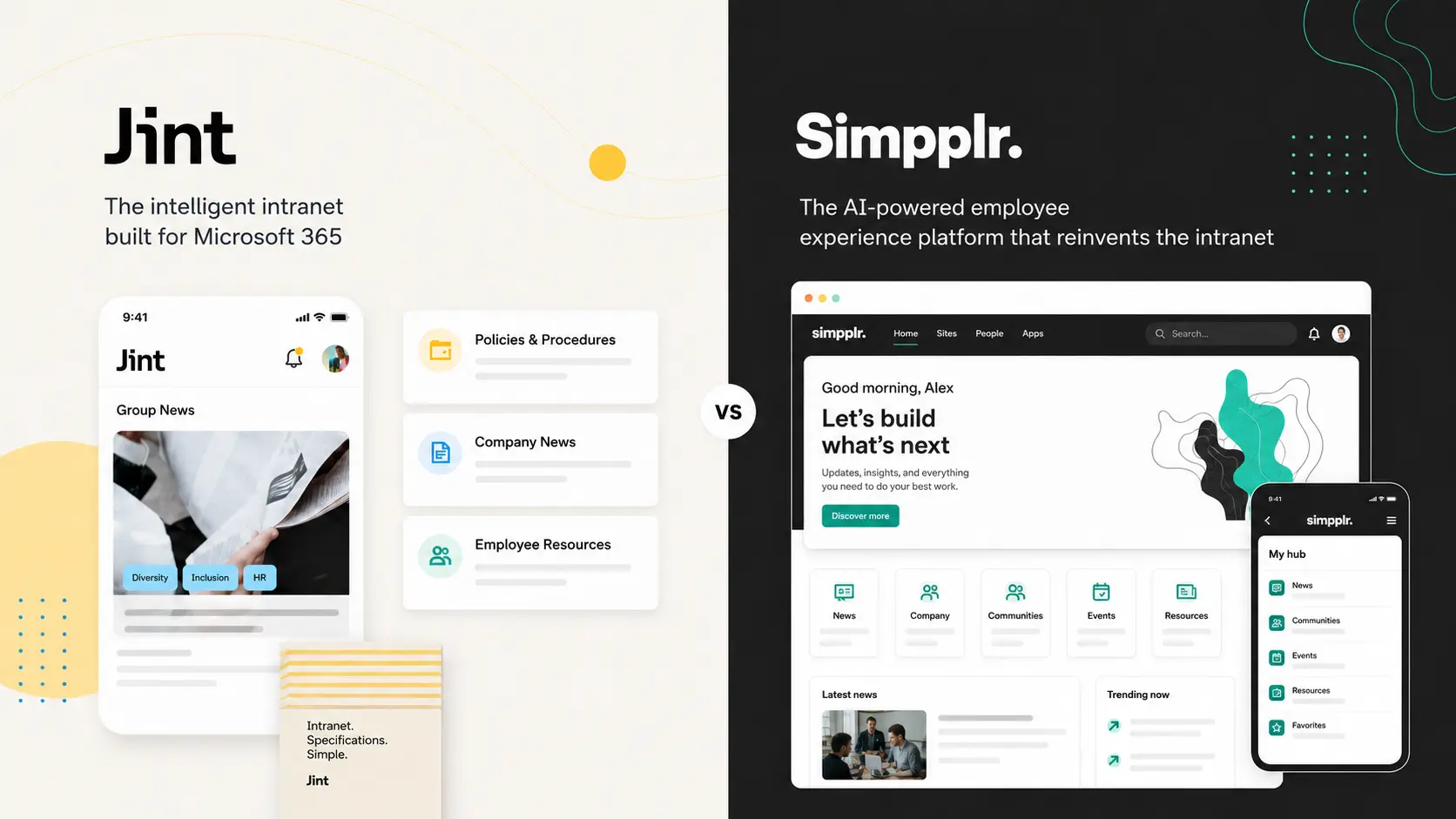


If your company runs on Microsoft 365, Jint is the more direct alternative to Simpplr. Both give you a modern, easy-to-use intranet fast. The difference is where it lives. Jint is a native Microsoft 365 add-in that upgrades the SharePoint and Teams you already own. Simpplr is a separate platform with its own way of doing things, its own hosting, and a pricing model where several capabilities you would expect come as paid add-ons.
The stakes are simple. According to McKinsey, employees spend on average 1.8 hours a day, close to a full working day every week, searching for information. A good intranet hands that day back. The real question is whether you buy a standalone platform to do it, or build the experience into the workplace your people already use.
Here is the honest comparison, user reviews included.
What Simpplr does well
Simpplr is one of the best-rated intranets on the market. It scores 4.8 out of 5 on Capterra and 4.6 on G2 across hundreds of reviews, and the praise is consistent: it is genuinely easy to use. Reviewers compare the interface to "an Apple product." It launches in weeks with no-code templates, so you are not waiting on IT. Its personalization engine pushes the right content to the right employee by role and location, and its AI assistant answers natural questions well. Support gets strong marks too.
If your priority is fast adoption with minimal admin lift, and you are happy to work the Simpplr way, it is a strong product. That is exactly who it suits.
The real limits of Simpplr
The flip side of "simple and opinionated" shows up once your needs get specific. The most common criticism in reviews is limited customization. You largely get Simpplr's layout and Simpplr's logic.
- Limited customization. Reviewers note you "can't modify the homepage layout much or rename navigation links" to match your company's terminology.
- Admin complexity at scale. End users love it, but admins describe the panel as "overwhelming" when managing content or larger groups.
- File management gaps. The file module is not built to serve as a primary document repository.
- Missing tools. No native employee messaging app, and several capabilities (Enterprise Search, surveys, native video) are paid add-ons rather than part of the base.
And pricing is not transparent. You must talk to sales to sign up, volume discounts start around 500 employees, and the features many teams assume are included are extra. Budgeting takes a few conversations.
The hidden technical debt of a third-party platform
Here is what rarely makes the demo and matters most three years in. Simpplr is a separate system sitting beside your Microsoft 365. That means a parallel platform to maintain, its own release cycle, its own integrations to keep alive, and a roadmap you depend on for anything you are missing. Add the add-on model on top, and the bill grows as your needs do: you pay again for search, for surveys, for video. None of it lives where your documents, identities and permissions already do.
Jint takes the opposite path. It is a native Microsoft 365 add-in, an official Microsoft partner solution on Azure Marketplace and AppSource. It does not replace SharePoint, Teams or Viva. It enhances them. Microsoft maintains the infrastructure and ships platform updates. Jint pushes product and AI evolutions on top. No parallel platform to patch, no upgrade project on your roadmap, and advanced search is native to Microsoft 365 rather than a line item.
We will own our trade-off too. As a SharePoint Online extension, Jint depends on Microsoft, and a heavily customized existing intranet can take longer to migrate. We would rather you know that upfront. But depending on Microsoft, where your data and tools already live, is a different bet than depending on a separate vendor's platform and price list.
Jint in brief
Jint (formerly Mozzaik365) is built by a 50+ team across Paris and Montreal, with 8 years of Microsoft 365 expertise, 300+ clients and over a million active users. It turns native SharePoint into a modern intranet, with a personalized news hub, advanced search, an employee directory, onboarding journeys, and a mobile experience built for frontline workers. On Capterra it scores 4.7 out of 5 (as Mozzaik365), with an 86% recommendation rate on G2. Reviewers highlight the clean SharePoint experience, fast deployment without custom development, and responsive support. Your data stays in your own Microsoft 365 tenant.
Jint vs Simpplr: side by side
If you're comparing multiple intranet platforms, check out our full intranet software comparison for 2026.
When to choose Simpplr, when to choose Jint
Choose Simpplr if you want the simplest possible intranet, you are not on Microsoft 365 (or do not want to build on it), and you are happy to adopt its templates and accept the add-on model.
Choose Jint if Microsoft 365 is your backbone and you would rather extend SharePoint, Teams and Viva than run a second platform beside them. You want full layout flexibility, native search without a surcharge, data inside your own tenant, and AI grounded in the content you already manage. See our wider alternative to SharePoint comparison for the full landscape.
AI: a structured intranet is the foundation, not a feature
Everyone ships an AI assistant now. The uncomfortable truth: an AI agent is only as good as the information it can reach. Point one at scattered or poorly governed content and it hallucinates, surfaces stale answers, or finds nothing. So the order matters. Before you deploy agents, you put the house in order. A well-structured intranet on Microsoft 365 organizes, updates and governs your knowledge, which is exactly what an agent needs to answer correctly. Jint Genius builds on that foundation instead of bolting an assistant onto chaos.
The bottom line
Simpplr is a polished, easy intranet for teams that value simplicity and will work its way. But for Microsoft 365-first companies, it asks you to run a parallel platform, accept limited flexibility, and pay extra for features like search. Jint gives you a modern, mobile, AI-ready intranet inside the Microsoft 365 you already own, with full SharePoint flexibility and your data in your tenant.
Book a Jint demo to see it on your own SharePoint.