.webp)

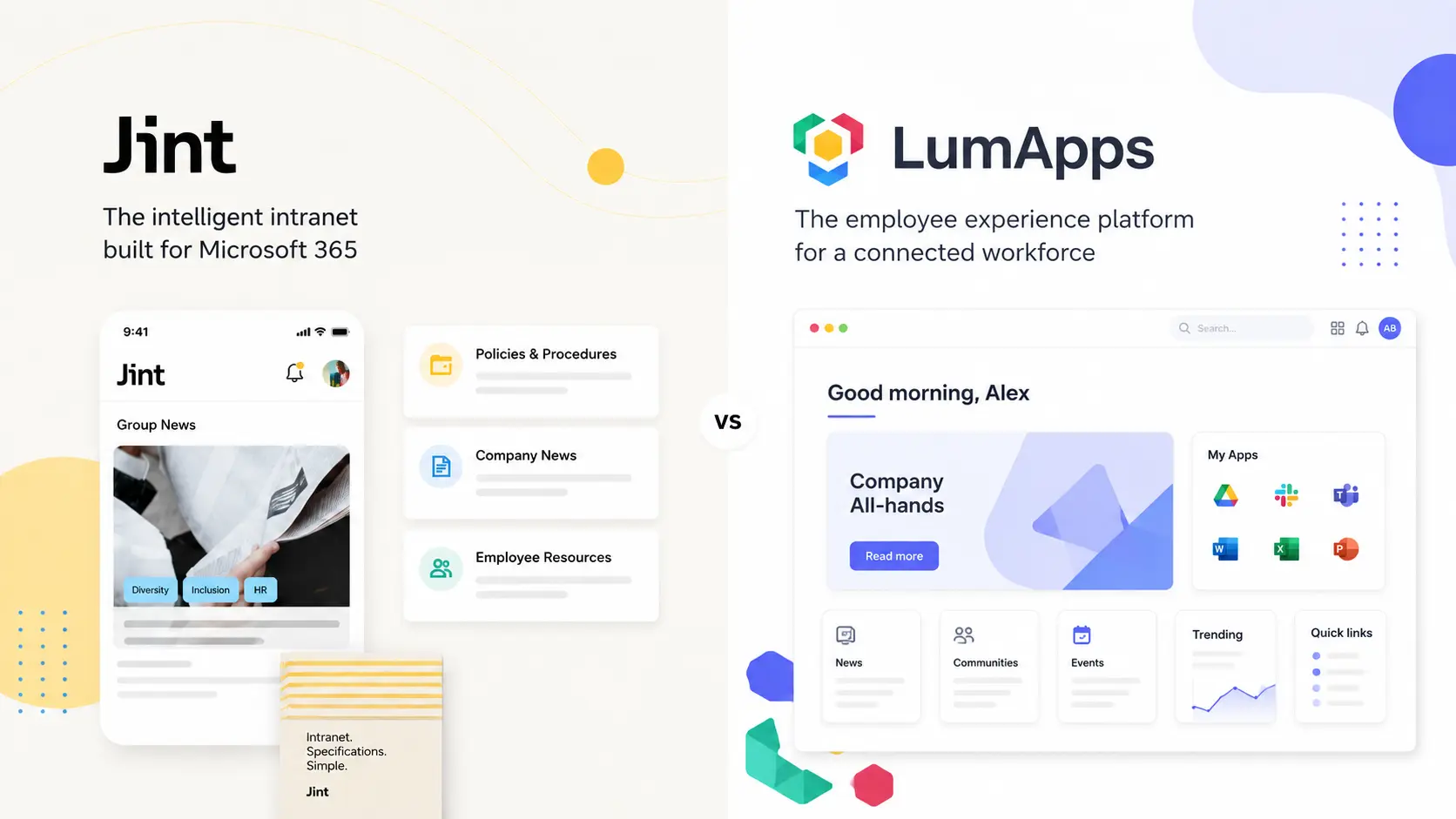


If your company runs on Microsoft 365, Jint is the more direct alternative to LumApps. Jint is a native Microsoft 365 add-in that upgrades the SharePoint and Teams you already pay for, while LumApps is a separate platform you bolt on, host elsewhere, and maintain in parallel. That single difference shapes everything that follows: cost, deployment speed, governance, and the technical debt you inherit over time.
Here is the number that should frame the whole decision. According to McKinsey, employees spend on average 1.8 hours a day, close to a full working day every week, just searching for and gathering information. An intranet is supposed to give that day back. The question is not whether you need one. It is whether you buy a parallel platform to run it, or build it into the workplace your people already live in.
Let us compare the two honestly, reviews included.
What LumApps does well
LumApps is a serious enterprise intranet. It earned its reputation with large, global organizations that need a polished employee experience across tens of thousands of users. On G2 and Capterra it sits around 4.4 out of 5, and reviewers consistently praise the same things: a clean, modern interface, strong branding control, solid content presentation, and search widgets that comms and HR teams like.
It is platform-agnostic by design. LumApps started in the Google Workspace world and later added Microsoft 365 support, so it can sit on top of either stack. For a company running Google Workspace, or a mixed environment across many subsidiaries, that neutrality is a genuine strength.
If you are a 20,000-person global enterprise with a dedicated digital workplace team and budget to match, LumApps belongs on your shortlist. That is who it is built for, and it serves that audience well.
The real limits of LumApps
The flip side of "built for large enterprises" shows up fast for everyone else. The most common independent observation, from analysts and reviewers alike, is that LumApps can be more than most organizations need, and that it takes significant effort to set up and keep running.
- Setup is complex. Many customers rely on experienced implementation partners to get real value, which adds cost and time before launch.
- Performance can drag. Users describe the platform as "slow or heavy at times," especially on large pages or when moving between sections.
- Support can be slow. Several reviews mention long resolution times on tickets and feature requests.
One Capterra verbatim captures the frustration bluntly: "the only thing worse than the actual product is support for the product. Everything is an 'FR' [feature request] that will take 6 months to a year to complete, or is tagged as 'functioning as designed.'" That is one review, not a verdict. But it points straight at the issue that costs the most over a contract's life: how long you wait on the vendor's roadmap, and how much depends on it.
And pricing? It is not public. LumApps quotes case by case based on users, features, and scope, which reviewers repeatedly flag for lack of transparency. You will need a sales conversation before you can even budget.
The hidden technical debt of a third-party platform
Here is the part that rarely makes the demo and matters most three years in. A platform like LumApps is a separate system layered on top of (or beside) your Microsoft 365. That means a parallel stack to maintain, its own release cycles to absorb, its own integrations to keep alive, and a dependency on the vendor's roadmap for anything you are missing. When a key feature is six to twelve months out on someone else's backlog, that wait is technical debt. It is work and risk you carry, even if you never see a line of code.
Jint takes the opposite path. It is a native Microsoft 365 add-in, an official Microsoft partner solution published on Azure Marketplace and AppSource. It does not replace SharePoint, Teams, or Viva. It enhances them. Microsoft maintains the infrastructure and ships the platform updates. Jint pushes the product and AI evolutions on top. There is no parallel platform to patch and no upgrade project looming on your roadmap.
This is the honest trade-off, and we will own ours too. As a SharePoint Online extension, Jint depends on Microsoft, and reviewers say so. If your organization already runs a heavily customized SharePoint intranet, migration can take longer than expected. We would rather you know that going in. But depending on Microsoft is a very different bet than depending on a separate vendor's platform and its release queue.
Jint in brief
Jint (formerly Mozzaik365) is built by a team of 50+ across Paris and Montreal, with 8 years of Microsoft 365 expertise, more than 300 clients and over a million active users. It turns native SharePoint into a modern intranet with components most teams expect out of the box: a personalized news hub, advanced search, an employee directory, onboarding journeys, and a mobile experience built for frontline workers.
What reviewers value most lines up with the native approach. On Capterra, Jint (as Mozzaik365) scores 4.7 out of 5, with an 86% recommendation rate on G2. The recurring praise: a clean, modern SharePoint experience, fast deployment "without developing custom components that would take months," and responsive, dedicated support. Your data stays in your own Microsoft 365 tenant, which keeps IT and security teams comfortable.
Jint vs LumApps: side by side
If you're comparing multiple intranet platforms, check out our full intranet software comparison for 2026.
When to choose LumApps, when to choose Jint
We will be straight about it. Choose LumApps if you run Google Workspace, or a genuinely mixed environment across many subsidiaries, and you have a dedicated digital workplace team with the budget and appetite to run a major platform.
Choose Jint if Microsoft 365 is your backbone and you would rather get more out of SharePoint, Teams and Viva than run a second platform beside them. You want a modern intranet live in weeks, not a multi-quarter program. You care about mobile and frontline reach. And you want your data and your AI to stay inside your tenant. For most mid-market Microsoft 365 companies, that is the shorter, cheaper, and more durable road. See our wider alternative to SharePoint comparison for the full landscape.
AI: a structured intranet is the foundation, not a feature
Everyone is shipping AI assistants. The uncomfortable truth is that an AI agent is only as good as the information it can reach. Point one at scattered, outdated, poorly governed content and it will hallucinate, surface stale answers, or find nothing useful. So the order of operations matters. Before you deploy agents, you put the house in order. A well-structured intranet on Microsoft 365 organizes, updates and governs your knowledge, which is exactly what an agent needs to answer correctly. Jint Genius builds on that foundation rather than bolting an assistant onto chaos. The closer that groundwork sits to where your data already lives, the better your agents perform.
The bottom line
LumApps is a strong platform for large, multi-stack enterprises that can resource it. But for Microsoft 365-first companies, it asks you to buy, host and maintain a parallel system, and to wait on someone else's roadmap. Jint gets you a modern, mobile, AI-ready intranet inside the Microsoft 365 you already own, kept current automatically, with your data in your tenant. Less platform to maintain, more value from what you already pay for.
Book a Jint demo to see it on your own SharePoint.