






What is a team collaboration tool?
A team collaboration tool is a digital platform that lets a team communicate, share documents, and move shared tasks forward, no matter where each person works. It has replaced email as the main way teams coordinate, centralizing what used to live across a dozen separate threads.
In most organizations already running Microsoft 365, that tool is already Teams, or some mix of Teams, email, and a shared spreadsheet. The problem is rarely a missing tool. It is too many tools, each good at its own job, none giving the full picture.
The real cost of stacking collaboration tools
According to McKinsey (The social economy), employees spend an average of 1.8 hours a day, nearly 9.3 hours a week, searching for and gathering information. That is close to a full workday, every week, lost to finding a file or an answer someone already gave elsewhere.
Microsoft's 2024 Work Trend Index confirms the symptom: 68% of employees say they lack uninterrupted focus time during their day. The more disconnected collaboration tools pile up, the more attention scatters across open windows.
This is not a shortage of tools. It is tools that do not talk to each other.
The main families of collaboration tools
Before choosing, separate the categories. Each solves a specific need, and mixing up their roles is exactly how teams end up stacking tools they do not need.
A closer look at the leading collaboration tools
The table above sketches the landscape. Here is what each tool actually looks like once your team starts using it every day.
Jint on Microsoft 365
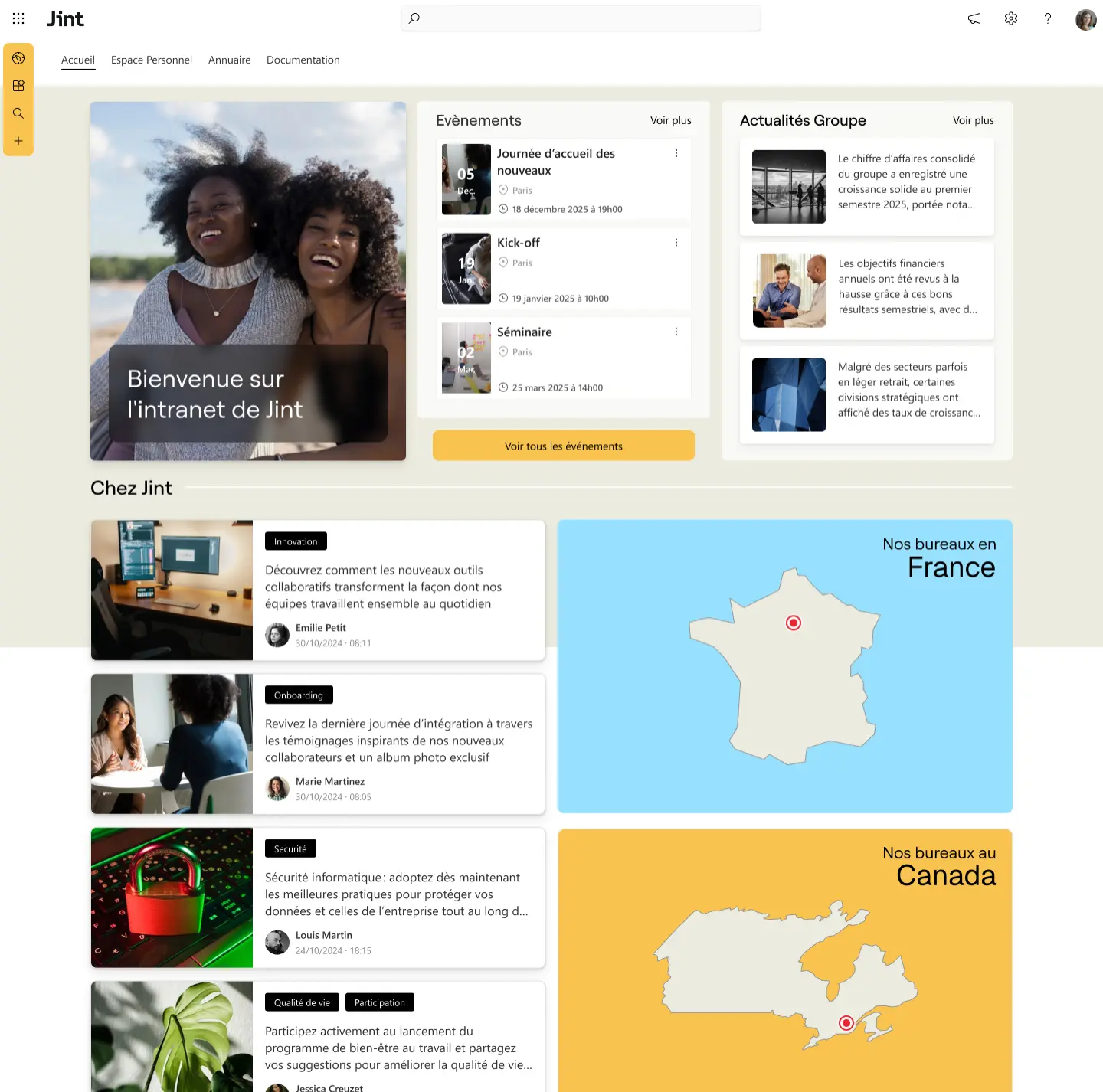
Jint is not another chat or task app. It is the intranet layer that sits on top of SharePoint and Teams, turning what circulates in those tools into something structured, searchable, and governed for the whole company. Where Teams and Slack move the conversation forward, Jint makes sure what mattered in that conversation does not disappear with it.
Microsoft Teams
Teams is the default choice for any organization already on Microsoft 365. It bundles chat, video calls, and file access into one app tied to your existing identity and security policies. Its strength is depth of integration: calendars, SharePoint files, and Planner tasks all surface inside a channel. Its weakness shows up over time: channels accumulate threads nobody revisits, and finding a decision made three months ago means scrolling back or asking around.
That is exactly the gap Jint Teams & Web closes: it turns Teams into the front door of a structured intranet, so what mattered in a conversation gets captured and stays findable long after the channel goes quiet.
Slack
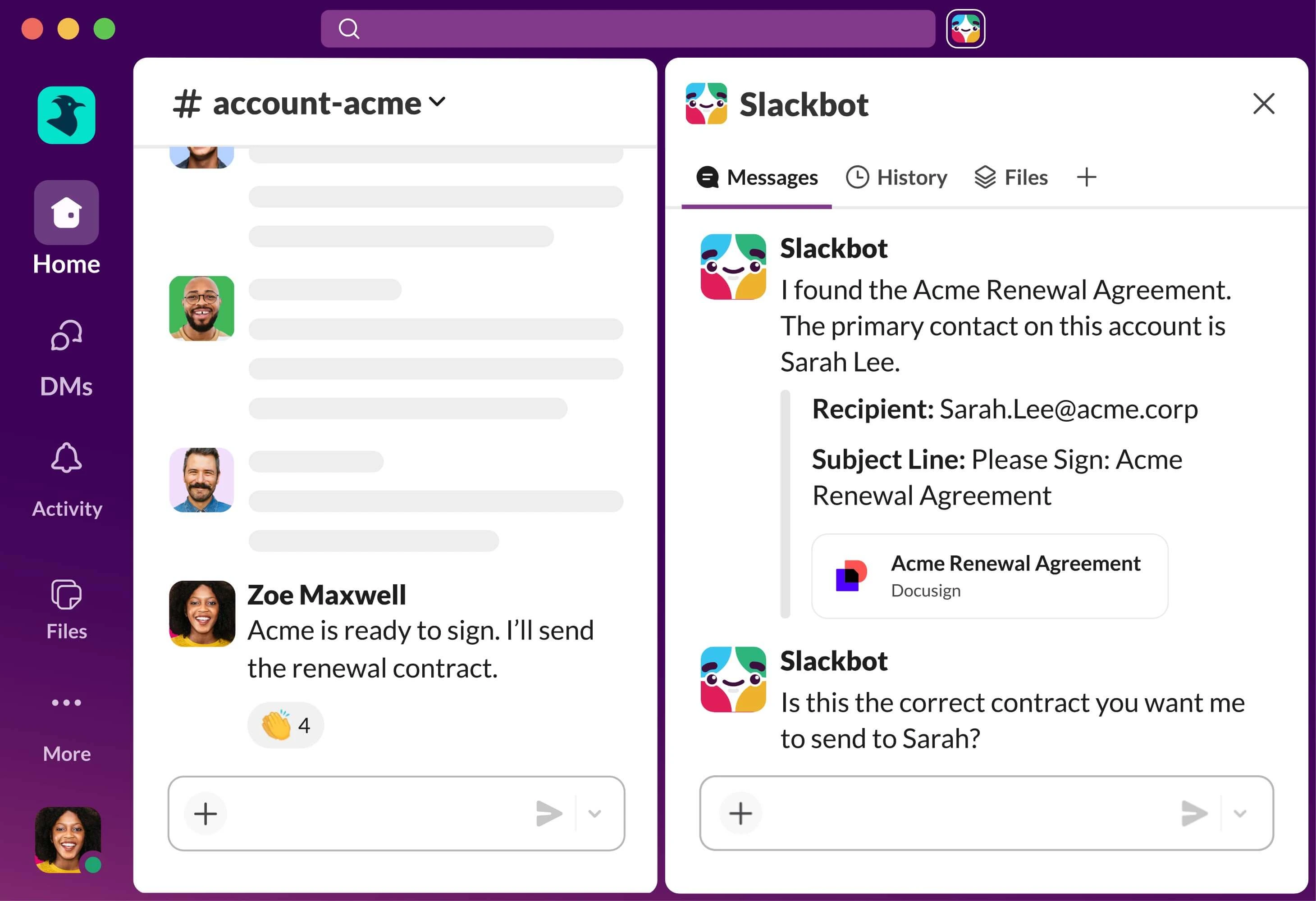
Slack popularized fast, informal messaging built around channels and a large app marketplace. Teams that value a lighter, more social tone often prefer it to Teams. The tradeoff: it sits outside the Microsoft 365 ecosystem, so IT teams end up managing a second identity and security layer, and costs climb quickly once you add premium apps and higher usage tiers.
Asana
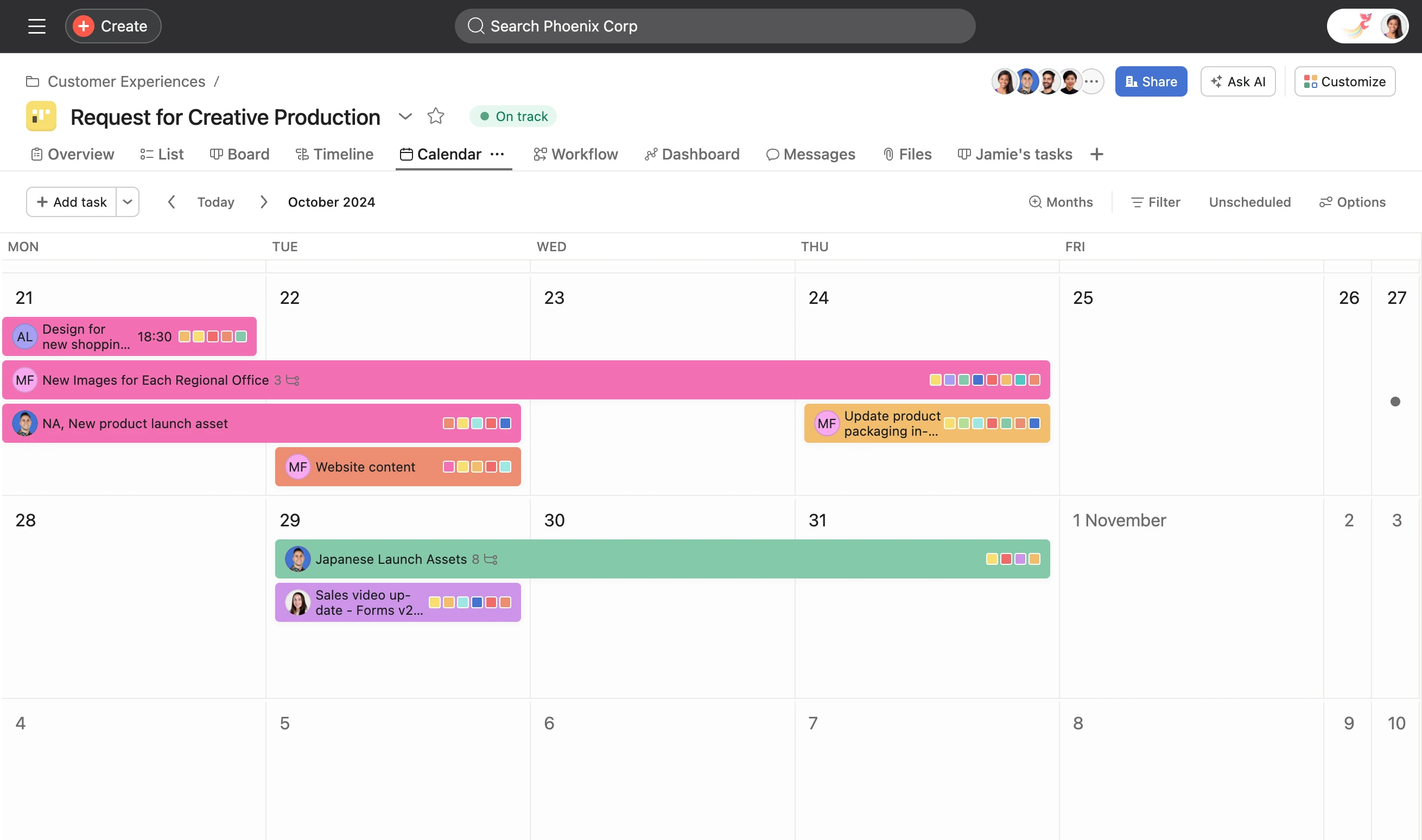
Asana focuses on project and task tracking: timelines, workload views, dependencies between tasks. It gives managers a level of visibility chat tools never will. It was never built to be a company-wide communication channel or a document repository, so most teams still run it alongside Teams or Slack rather than instead of them.
Google Workspace
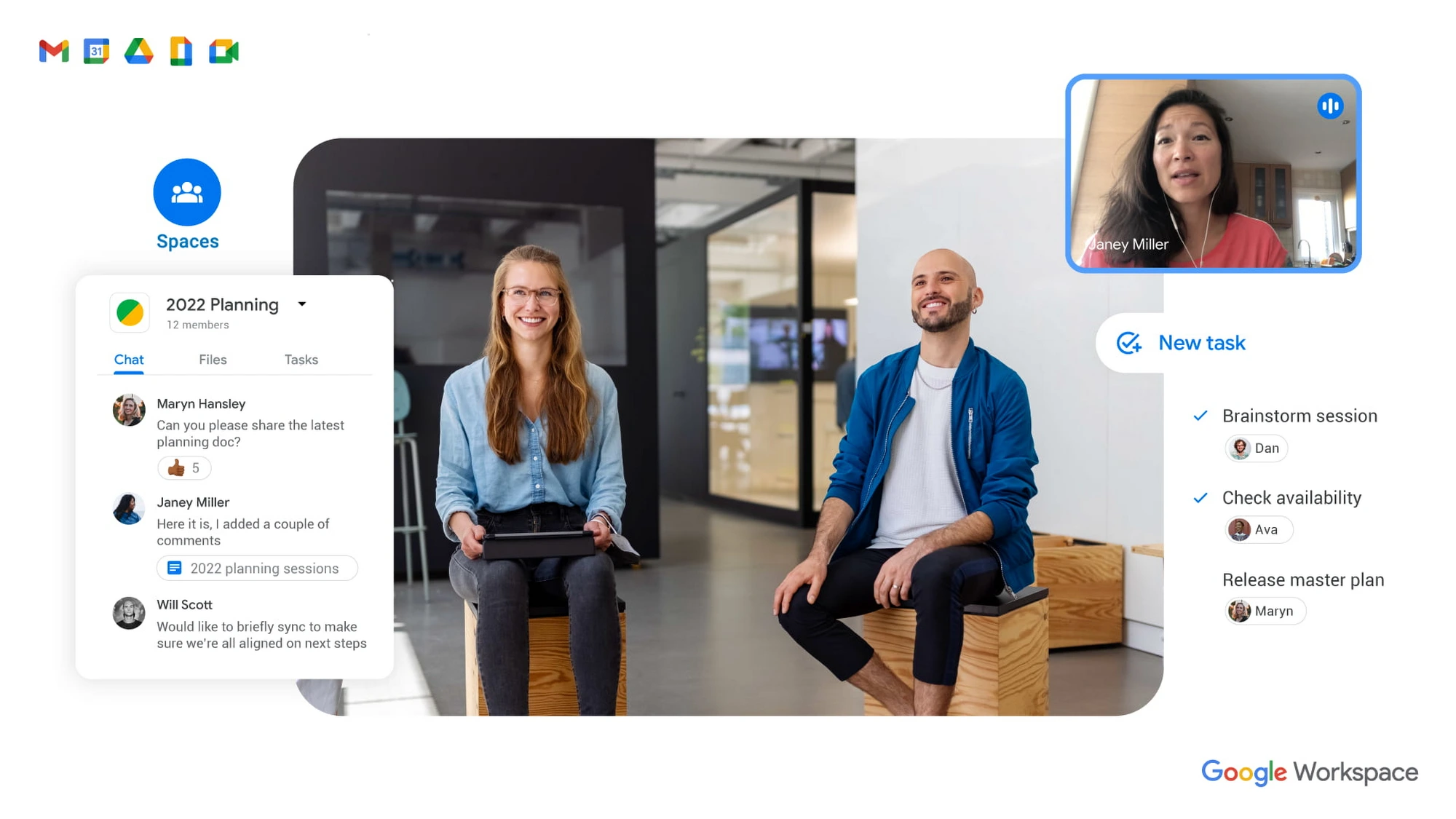
Docs, Sheets, and Meet make real-time co-editing simple, and plenty of smaller teams run entirely on it. For organizations standardized on Microsoft 365, though, it means maintaining two parallel ecosystems: two identity systems, two sets of permissions, two places to search for the same file.
Why collaboration tools are not enough without a strong intranet
Teams and Slack are great at moving conversation along. They are far worse at keeping the right answer so the next person who asks the same question finds it in ten seconds. A six-month-old chat thread is not a knowledge base. It is a graveyard of messages.
That is where an intranet changes the equation. A native Microsoft 365 intranet, built on SharePoint and Teams rather than next to them, captures the knowledge produced in your collaboration tools, structures it, and makes it searchable for the whole organization, not just the members of one channel. Collaboration tools handle the now. The intranet handles the after.
That is exactly the angle behind Jint SharePoint and Jint Teams & Web: two ways to anchor an intranet right where your teams already collaborate, without asking them to change habits.
How to choose a team collaboration tool: 5 criteria
- Native integration with your existing stack. A tool that extends Microsoft 365 instead of duplicating it avoids double entry and silos.
- Real adoption, not just created accounts. Check active usage rates, not the number of licenses purchased.
- Security and compliance. Where is your data hosted? Does the vendor meet the requirements of your industry (healthcare, public sector, finance)?
- Search and discoverability. A good tool lets people find a document or an answer without remembering who wrote it or which channel it lived in.
- Room to grow with you. A tool built for fifty employees often struggles at five hundred. Check the vendor's roadmap, not just the product's current state.
Pros and cons: what does not always get said
Where AI fits into collaboration tools next
An AI agent is only as good as the information it can access. Fed a mess of outdated chat threads and duplicated documents, it either answers off the mark or makes things up. A well-structured Microsoft 365 intranet cleans house before AI enters the picture: it organizes, updates, and governs the knowledge produced across your collaboration tools. That foundation is what lets an assistant like Jint AI give reliable answers instead of guesses. The order matters: structure the information first, then connect AI to it, never the other way around.
Ready to unify collaboration and intranet?
See how Jint turns your Microsoft 365 into a true team collaboration workspace. Book a demo and see the difference on your own tenant.

.webp)


.jpeg)


