



Contribution Helper
Empower your teams to create professional SharePoint pages effortlessly.
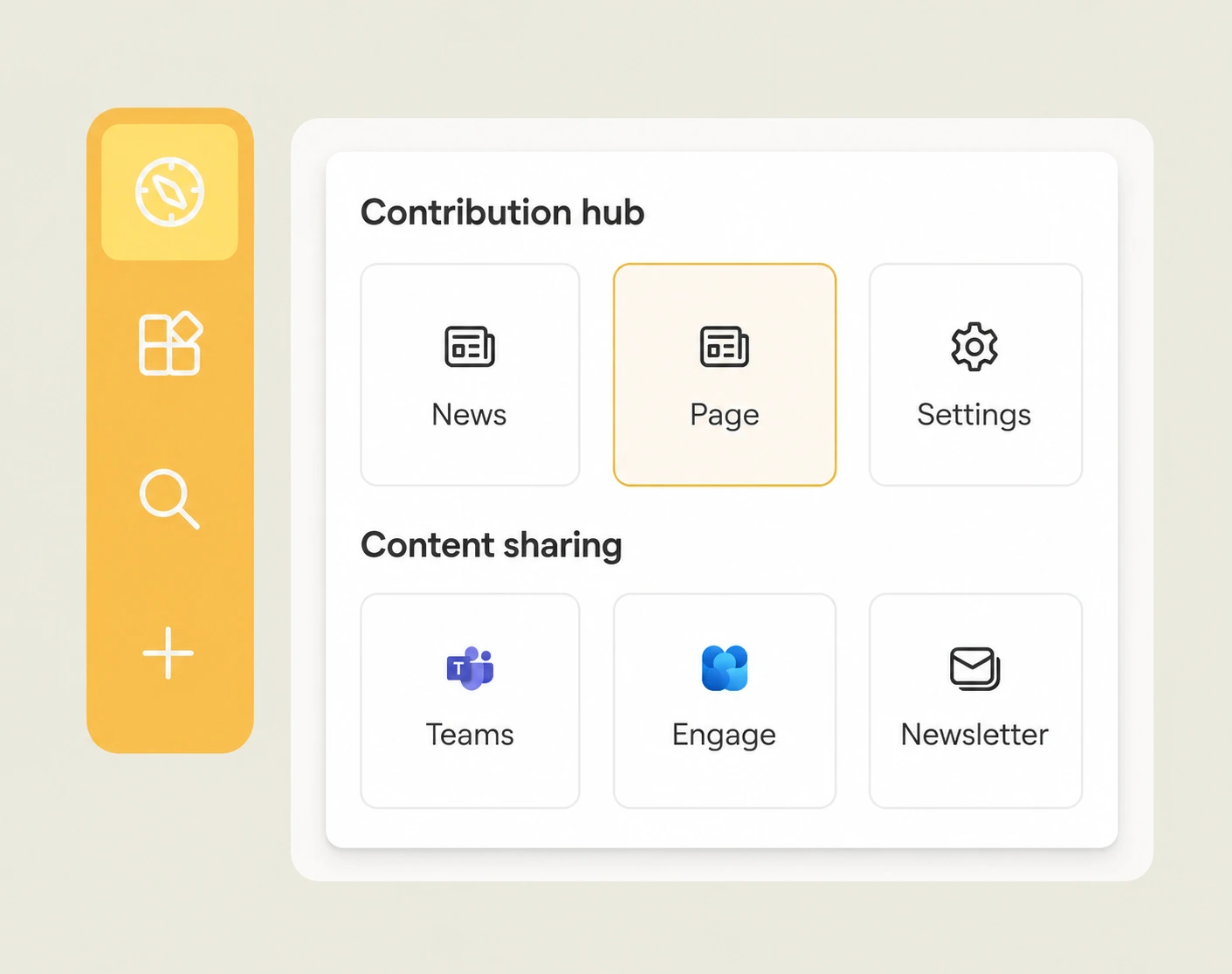
Empower your team to create professional content effortlessly. Streamline page creation with pre-defined templates, ensuring consistency, efficiency, and high-quality content across your organization, even for people with no design or SharePoint experience. Contributors launch pages, news posts, and even full sites through Site Factory from approved templates, no matter which SharePoint site they are on, and share the result directly to Microsoft Teams channels or Viva Engage communities the moment it's published. Administrators manage the entire template library from one place, creating, editing, and retiring templates so every new page automatically follows brand guidelines and layout standards. Access stays restricted to designated contributors, so the rest of the intranet remains consistent and read-only, and every contribution is tracked and credited, giving recognition to the people who keep your content fresh and encouraging a real culture of shared ownership.


Frequently asked questions about Jint.
Who can use the Contribution Helper in SharePoint?

Only designated contributors get access, so page and news creation stays with the people responsible for content while the rest of the intranet stays read-only and consistent.
What can I create with predefined templates?
Pages, news posts, and full sites (via Site Factory) all launch from approved templates, so procedures, project pages, or team home pages look consistent no matter who creates them.
Can content created here be shared in Teams or Viva Engage?
Yes, the Contribution Helper lets contributors publish directly to Microsoft Teams channels or Viva Engage communities without leaving their SharePoint page.
Does the Contribution Helper work across multiple SharePoint sites?
Yes, a contributor can create and publish content from any SharePoint site they access, whether it's the company-wide intranet or a dedicated team or project site.
Can I duplicate an entire site instead of just a page?
Yes, Site Factory lets you duplicate an approved SharePoint site in one click, which keeps governance consistent when spinning up new team or project spaces.


