



Image Map
Turn static SharePoint images into interactive, clickable experiences.
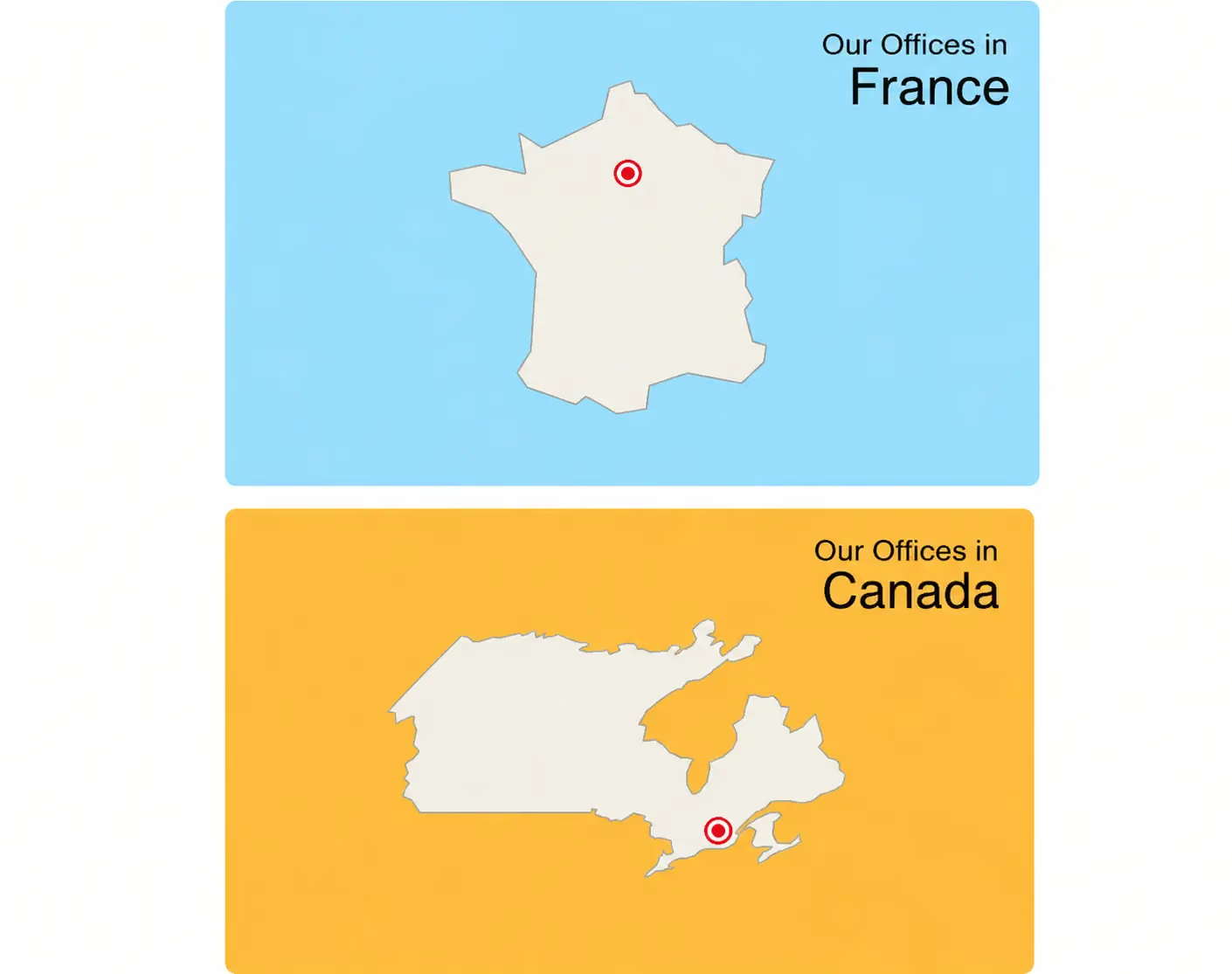
Clickable hotspots turn any static visual, a floor plan, an org chart photo, a product diagram, into a navigation portal that boosts engagement by linking content directly to relevant communications, documents, or spaces, with no design or development skills required. Use it for a virtual office tour with clickable points to explore each space, an immersive onboarding journey that introduces new hires to teams and tools, or a visual training path that walks employees through a process, a piece of equipment, or a workflow step by step. Map out an event program, speakers, or venue the way a trade show floor plan would, and pair hotspots with call-to-action buttons through Flexible Sections for a livelier, more visual way to deliver key messages than a plain block of text. Combine it with Focus on the same page when you want a fully guided visual story, from the first click to the final call to action.


Frequently asked questions about Jint.
Can I use Image Map for a virtual office tour?

Yes, add clickable hotspots to a floor plan or building photo so employees can explore each space and find the right room or team at a glance.
Is Image Map useful for onboarding new hires?
Yes, it works well as an immersive onboarding journey, guiding new employees through teams, tools, and key contacts with a single visual.
Can I combine Image Map with call-to-action buttons?
Yes, pair hotspots with call-to-action buttons through flexible sections, and add clickable links directly inside the image itself.
Can I use Image Map to promote an internal event?
Yes, map out the program, speakers, or venue the way a trade show floor plan would, giving employees a visual way to explore what's coming up.
Does Image Map work for visual training content?
Yes, use it to walk employees through a process, equipment, or workflow step by step, with each hotspot linking to the relevant resource.


