



Events
Promote and manage company events directly within your SharePoint intranet.
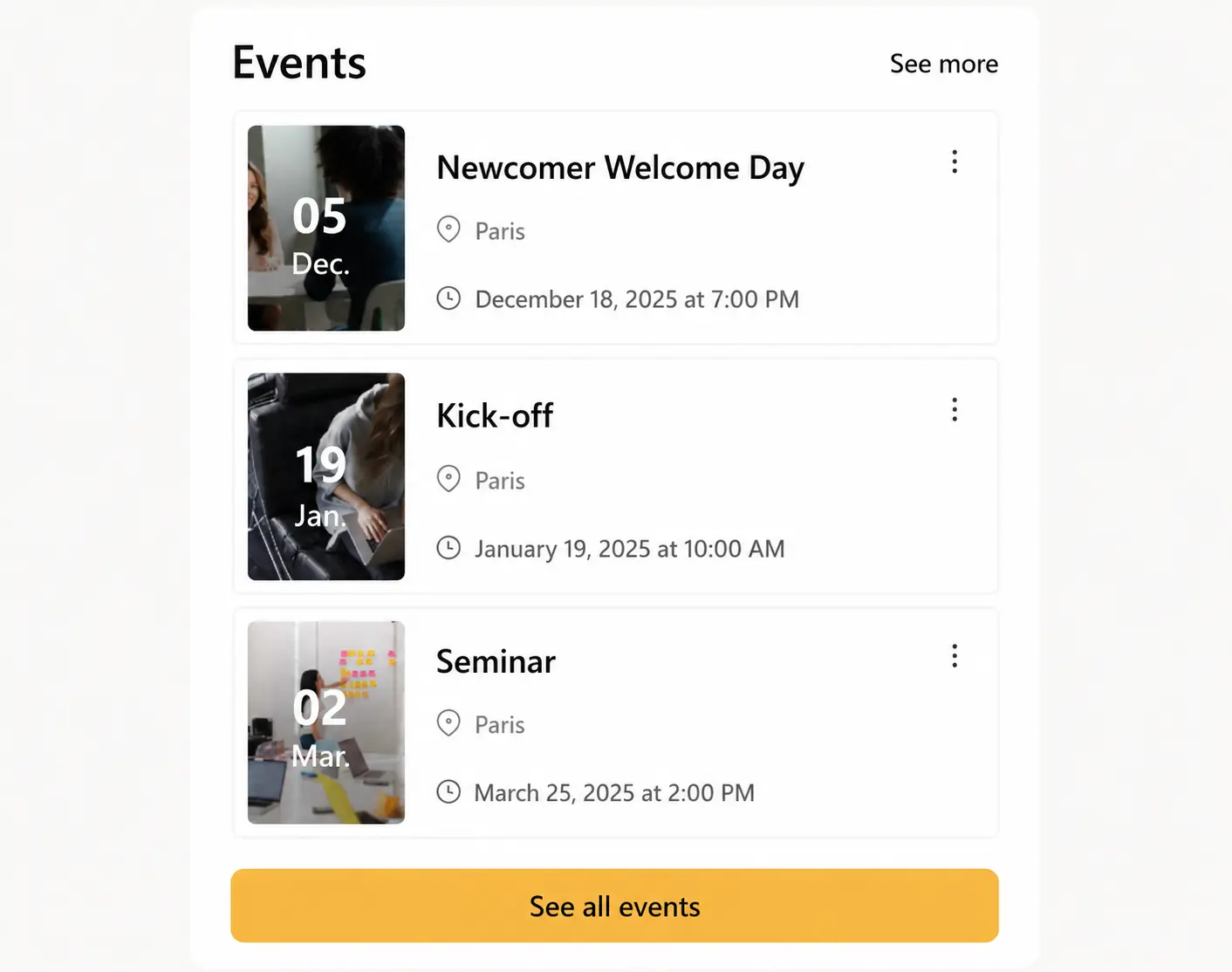
Don't just list events, promote participation. The Events module puts your calendar front and center on the intranet, with Outlook and Teams integration so employees see upcoming sessions without leaving their day-to-day tools. Highlight seminars, webinars, and onboarding sessions, segment visibility by department, location, or interest, and manage the list of registrants directly from SharePoint, capping attendance with a maximum participant count and messaging everyone on the list in one click. A live countdown shows exactly how many days remain before registration closes, adding urgency to time-sensitive sessions, and pinning an event keeps it visible at the top of the page until it's over. Use it to promote wellbeing, diversity, or HR milestones and turn your internal calendar into a real engagement driver instead of a static list nobody checks.


Frequently asked questions about Jint.
Can I manage the list of registrants directly from SharePoint?

Yes, the Events module lets you manage the list of registrants directly from SharePoint, set a maximum number of participants, and contact all attendees without extra tools.
Does the Events module integrate with Outlook and Teams?
Yes, upcoming events are visible directly from the intranet with Outlook and Teams integration, so employees can add them to their calendar in one click.
Can I target an event to a specific department or location?
Yes, event visibility can be segmented by department, location, or area of interest, so employees only see what's relevant to them.
Is the Events module useful for onboarding?
Yes, welcome sessions, training, and HR milestones can be included in onboarding journeys, so new hires see the events that matter to them from day one.
Can I use Events to promote wellbeing or CSR initiatives?
Yes, the module highlights wellbeing, diversity, and CSR initiatives alongside standard company events, giving them the same visibility on the intranet.


