



My Applications
Centralize every tool your teams need, one click away.
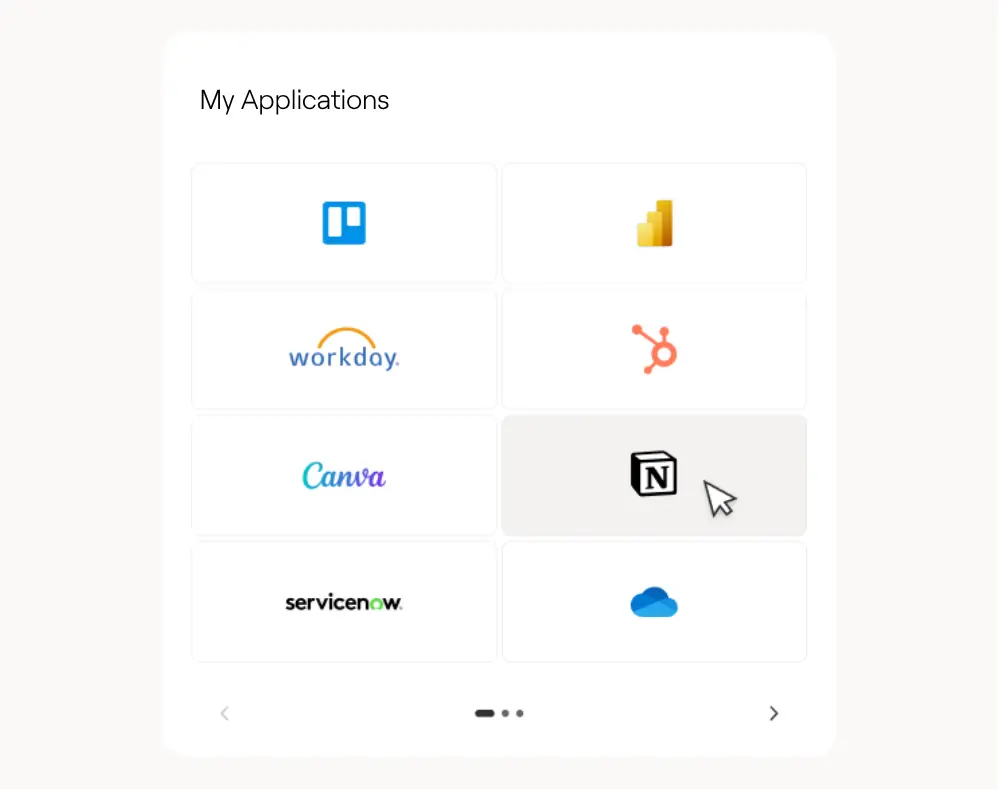
Stop the daily hunt for tools. My Applications centralizes favorite links by role, department, or business unit, with single sign-on through Azure AD and a responsive layout that looks just as good on desktop as on mobile. Launch Microsoft 365 apps like Outlook, Teams, and OneDrive alongside business tools such as your CRM, ERP, or ticketing system, all from one tile-based launcher with clear, clickable icons. Employees favorite the apps they use most for instant access, administrators push role-based app sets so every team starts with the right toolkit on day one, and secure single sign-on means no one re-enters credentials to reach tools like Salesforce or ServiceNow. Pair it with My Emails and My Meetings to bring inboxes, Outlook meetings, and Teams links onto the same page, turning your intranet homepage into a genuine productivity hub instead of just another bookmark.


Frequently asked questions about Jint.
What is the My Applications web part in SharePoint?

It's a customizable tile launcher that centralizes the tools each employee uses daily, from Microsoft 365 apps like Outlook and Teams to business tools like your CRM or ERP.
Can employees personalize their own application shortcuts?
Yes, employees can favorite the apps they use most for instant access, and administrators can also push role-based or team-based app sets.
Does My Applications support single sign-on?
Yes, it connects to secured apps through Azure AD, so employees launch tools like Salesforce or ServiceNow without re-entering credentials.
Can employees access My Applications from mobile?
Yes, the layout is responsive, so employees launch the same favorite apps from a desktop browser or a mobile device without a different setup.
Can My Applications link to a specific project or team workspace?
Yes, administrators can group a dedicated set of tools for a cross-functional project or team, alongside the standard company-wide application set.


