🎉
Mozzaik becomes Jint — new identity, same mission.
Learn more
🎉
Mozzaik becomes Jint — new identity, same mission.
Learn more
🎉
Mozzaik becomes Jint — new identity, same mission.
Learn more
🎉
Mozzaik becomes Jint — new identity, same mission.
Learn more

3 good reasons to implement your projects with the Modern SharePoint experience

Florian Bouron
September 10, 2018
5 minutes
Jint Lookbook — inspirations for a modern and engaging Digital Workplace
Explore Effective Content Marketing Techniques
Get our free LookBook!

Table of content

Jint Intranet Specifications — guide to designing an effective intranet on Microsoft 365
Intranet specifications. Simple. Effective.
Download our free template

3 good reasons to implement your projects with the Modern SharePoint experience

by Aurélien NEYRAND, Practice Manager Collaborative Experience at Infeeny
3 good reasons for SharePoint experience

SharePoint in its Classic version has been around for many years. I had the opportunity to start with the WSS 2.0 version, and I have been lucky enough to see the product evolve over a decade.

After several years of working in the design and implementation of Intranet(s) and Digital Workplace, I have come to the following conclusion: The adoption of SharePoint by webmasters is often difficult. We regularly hear that " WordPress is much easier to learn " or " how to add a component simply in a page? SharePoint it's slow". The traditional SharePoint experience needs to end and be replaced by a version that is in tune with user expectations, one that is designed for webmasters and ambassadors.
If you are about to launch a Digital Workplace or Collaborative Spaces project in SharePoint, you are probably wondering if this new version is finalized and ready for global deployment. You have probably started to compare the two versions. So to help you with this task, I offer you 3 good reasons to implement your projects directly with the Modern SharePoint experience.

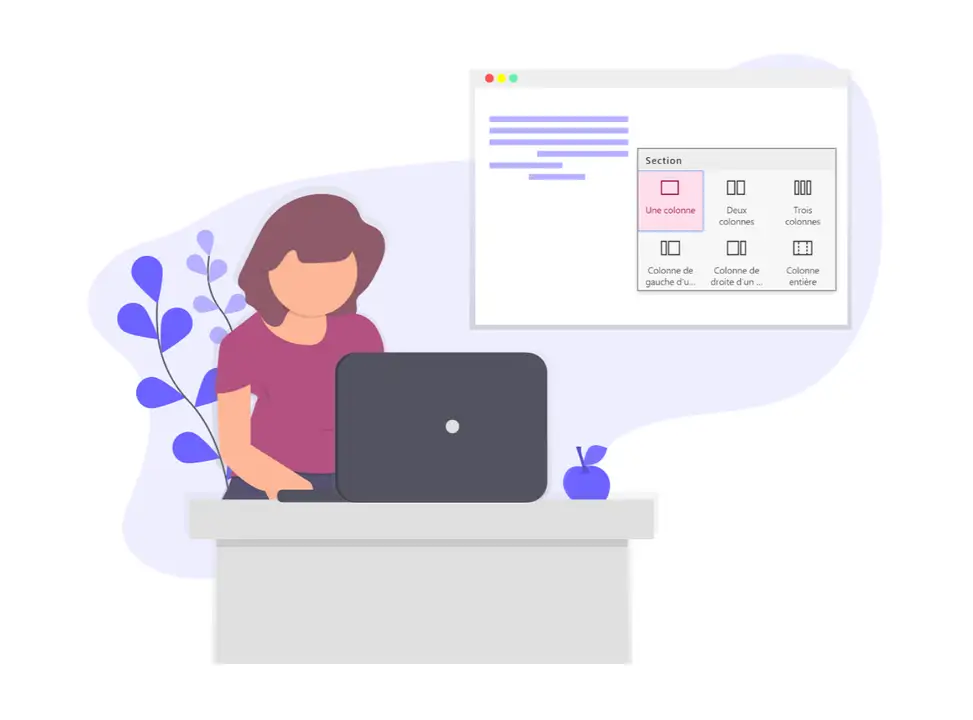
  • Ergonomics: Gone are the Master Pages, the Page Templates and welcome the Sections. This layout will now allow you to position your components in a modular way. You will have to make concessions on certain graphic aspects, mainly on the banner, but with a judicious choice of components and colours you will do wonders. You can modify the banner graphically by using extensions, but beware of excessive customisation which could have a negative impact on the loading of your pages. Also, don't forget the waterline and the risk of piling up too much horizontal information that could disturb the balance and readability of your content. Don't hesitate to take a look at the Office UI Fabric to use grids in Adobe XD, they will greatly facilitate your graphic creations.
  • Performance: This new version brings a set of graphical and functional novelties, but also a set of technical optimizations allowing to significantly lighten the loading of your pages. The technical debt linked to the structure of the pages of the old versions is history. When you know that the response time of a page is a high expectation of users, this is clearly a reason to turn to the "Modern" version. Use the latest diagnostic tool to see for yourself.
  • Adoption by your ambassadors: This is probably the most important point. Take care of your ambassadors! The lack of knowledge of the tool and understanding of collaborative uses has too often led to the association of "SharePoint" with "gas factory". Remember last month when your purchasing manager wanted to create a simple workflow with 6 levels of approvals, 3 sequenced forms and 12 email notifications? Were you going to do it with SharePoint Designer? With InfoPath? What a mistake! At the risk of disappointing many, SharePoint in its classic version is rarely the right medium to build business applications with complex management rules. On the other hand, the "Modern" version can easily take advantage of solutions that are still unknown in IT departments, but which are extremely effective, such as PowerApps or Flow. The simplicity of the new SharePoint interface coupled with the depth of these tools will reassure your business departments, the main sponsors in the digitalisation of your working environment.

For my part, the choice is already made, I #GOMODERN

Jint Intranet Specifications — guide to designing an effective intranet on Microsoft 365
Intranet specifications. Simple. Effective.
Download our free template
Author
Florian Bouron - CEO of Jint
Florian Bouron
Category
Digital Transformation
Published date
September 10, 2018
Share article

What is a Microsoft SharePoint intranet?

chevron down icon

A Microsoft SharePoint intranet is an internal digital platform that centralizes information, documents, communication and collaboration within an organization, in a secure environment integrated with Microsoft 365. It is built on SharePoint Online, accessible from any browser or via mobile apps, and integrates natively with Teams, Outlook, OneDrive and the Power Platform. A SharePoint intranet enables organizations to publish news, manage document libraries, structure knowledge, facilitate team collaboration and provide employees with a personalized digital home base — all within their existing Microsoft 365 ecosystem. Solutions like Jint extend these capabilities with a modern branded UX, 60+ ready-to-activate features and advanced editorial workflows.

What are the key features of a SharePoint intranet?

chevron down icon

Key features include: advanced document management (libraries up to 30 million files, unlimited versioning, metadata), news publishing with audience targeting (SharePoint News + Entra ID groups), collaborative spaces (Team Sites, Hub Sites), information search boosted by Microsoft Search and Copilot, fine-grained rights management, and Microsoft 365 integration (Teams, Outlook, Power Automate). Jint adds 60+ ready-to-activate features: personal Dashboard, visual employee directory, newsletter studio, social media aggregator, editorial workflows and engagement analytics.

How does Jint enhance SharePoint intranets?

chevron down icon

Jint transforms SharePoint into a modern, engaging intranet by layering intuitive design, governance tools, and ready-to-use templates. It makes SharePoint more user-friendly while maximizing your existing Microsoft 365 investment.

How do you get started with SharePoint for your company intranet?

chevron down icon

Getting started with SharePoint for an intranet means first defining your information architecture—what content you need, who owns it, and how it should be organized. Begin with a Home site and a small number of Communication sites for major departments or topics, rather than trying to migrate everything at once. Engage a pilot group of key content owners early, train them on basic page editing, and build momentum before expanding to the full organization.

What are the hidden capabilities of SharePoint most organizations don't use?

chevron down icon

Most organizations use SharePoint for basic document storage and miss its more powerful capabilities: audience-targeted pages that show different content to different user groups, Power Automate workflows triggered by document events, SharePoint Syntex (now Premium) for automatic content classification, and hub sites for connecting related site collections under unified navigation and search. The SharePoint look book offers ready-made templates for departmental intranets, project sites, and communication hubs that significantly reduce build time. These features dramatically expand what's possible without any custom development.

Don't miss these

More similar articles