






Why SharePoint's native translation is not enough
SharePoint's multilingual feature is real, and for a small site it can be fine. You enable languages in the site settings, assign a translator per language, and SharePoint creates page copies for them to fill in. Published translations then show up automatically for users based on their language preference.
The limits show up fast at intranet scale, and three of them come straight from Microsoft's own documentation. First, pages are not translated automatically: SharePoint copies the page, then a human translates the text. Second, nothing re-syncs, so any edit to the source leaves every translated version stale until someone updates it by hand. Third, coverage has holes, because multilingual features are not available on subsites and multiple languages in the same page are not supported.
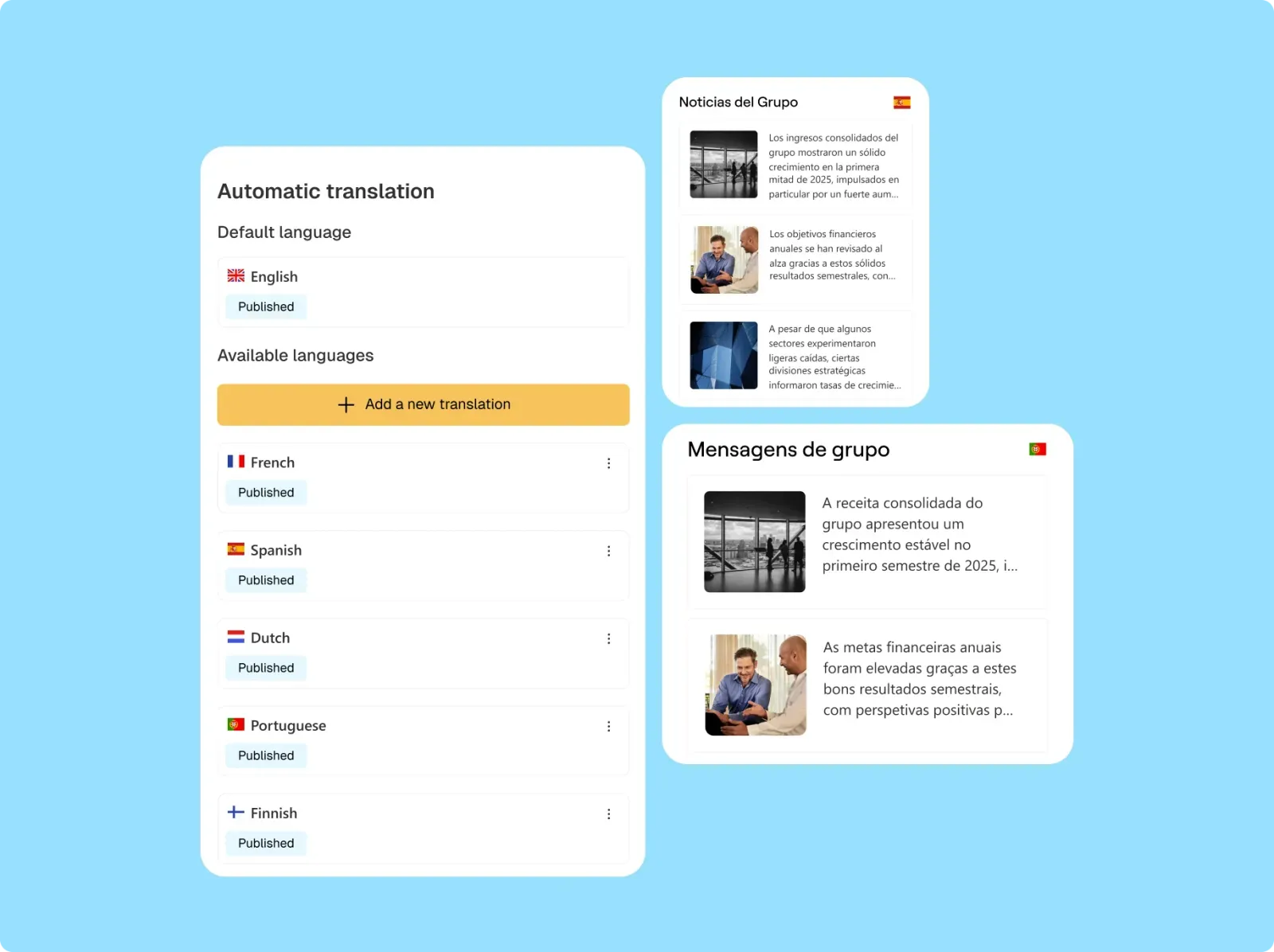
There is a separate native capability worth knowing about, because vendors blur it on purpose. SharePoint Premium can translate documents and files with AI, into up to ten languages in one action, with custom glossaries. That is document translation. It is not the same as keeping your intranet pages, web parts, and navigation continuously translated. You can see how both post-production and real-time cases work on the automatic page translation and instant page translation pages.
The 5 criteria that actually separate these tools
Language count is a vanity metric. Every serious tool clears 70 to 100 languages. Judge on these five instead:
- Auto-sync on update. When the source changes, do translations refresh, or do you redo them by hand?
- Coverage. Pages only, or also web parts, navigation, documents, and real-time translation for the end user?
- Where data is processed and stored. Inside your Microsoft environment, or sent to an external service?
- Native Microsoft 365 fit. A true SharePoint add-in, or a bolt-on that sits outside your governance?
- Setup and maintenance load. Ready to use, or a project with ongoing admin?
Best SharePoint translation tools compared
Here is the side-by-side view for 2026, then a dedicated summary table and honest read on each tool.
SharePoint native multilingual features
The baseline. If you run one communication site in three languages and rarely edit it, native can be enough. It costs nothing extra and lives entirely in your tenant. The catch is everything above: manual translation, no re-sync, no subsites, and a document-translation capability (via SharePoint Premium) that is licensed and scoped separately from page translation.
PointFire (IceFire)
The veteran of SharePoint multilingual, built by Ottawa-based IceFire. PointFire translates classic and modern pages plus documents, supports 50+ SharePoint languages and around 70 more for content, and automates translation so updates to the original propagate to the translated versions. It offers glossaries, interface localization, and an on-premises option, which still matters for regulated or hybrid environments. It is a strong, focused product. The main watch-out: it is a specialist add-in, so you are buying translation, not a broader intranet experience.
intranet.ai
An Italian intranet product with a Content Translation web part. It translates pages into 100+ languages, keeps formatting, indexes translated pages in search, and keeps data inside Microsoft 365. Its pitch is honest: the AI assists communicators, it does not replace a language expert. The distinctive point is transparency on price, the full intranet starts at 3,950 euros per year. The trade-off: translation comes as part of buying their intranet, so it fits best if you are shopping for the whole platform, not a translation layer on top of your existing SharePoint. On sync, intranet.ai lets you review and manage translated content, but its public documentation does not present it as a continuous source-page auto-sync engine the way dedicated translation add-ins do.
accelerator365 Translator for SharePoint
A lighter-weight add-in aimed at on-demand translation of SharePoint pages and documents through Azure machine translation. Useful when you want to translate specific content occasionally without committing to a full multilingual program. Verify current language coverage and sync behavior directly with the vendor, as feature sets in this category move quickly. Treat it as the pragmatic, budget-conscious option rather than an enterprise multilingual engine.
Jint Translator
Our own tool, and the reason we care about this topic. Jint Translator does two things native cannot combine. Automatic translation duplicates and translates pages to build a multilingual site, ideal after publishing. On-the-fly translation lets any end user translate any page content in real time into 100+ languages, even if that language version does not yet exist. It is powered by Microsoft Azure AI, and this is the part CIOs zoom in on: no data is used to train public models, and processing stays within your own Microsoft 365 and Azure environment. Jint is a native Microsoft 365 add-in, ISO 27001 certified, deployed across a Jint customer base of 1M+ employees. If you are looking for a PointFire alternative built around Microsoft 365 employee experience as well as translation, this is the option to evaluate. The honest limit: Jint lives inside the SharePoint and Microsoft 365 world by design. If you are not on M365, it is not for you.
Where your translations live: the compliance question CIOs ask first
For a public marketing site, machine translation is a convenience. For an intranet, it is a data governance decision. Your internal pages carry HR policies, financial updates, and confidential projects. The moment that text hits a translation engine, one question decides everything: where is it processed, and does anyone train models on it?
This is where the field splits. Tools built as native Microsoft 365 add-ins, including Jint Translator, intranet.ai, and PointFire in its in-tenant mode, keep content inside your Microsoft 365 environment. Jint Translator runs on Microsoft Azure AI services specifically so that no data is used to train public models, and processing stays within your own Microsoft 365 and Azure environment. General web translators that route content through external servers are a harder sell to a security team, and often a non-starter for regulated sectors. We go deeper in our note on security and data sovereignty, and it is a recurring theme in how buyers rank vendors in our intranet platforms comparison.
How to choose, by scenario
The best tool is the one that matches your situation. Four common ones:
- Global enterprise, many languages, frequent edits. You need auto-sync and broad coverage. Look at Jint Translator or PointFire, and rule out anything without re-sync.
- Frontline and deskless workforce. Real-time on-the-fly translation matters more than perfectly pre-translated pages.
- Strict compliance or regulated sector. Filter on data residency first. In-tenant Azure AI processing is the safe answer. Quebec organizations under Bill 96 language obligations sit squarely here.
- Small site, tight budget, rare updates. Native SharePoint, or a lightweight add-in like accelerator365, may be all you need. Do not over-buy.
Quick picks:
- Best for global enterprises: Jint Translator or PointFire
- Best for a full intranet replacement: intranet.ai
- Best for small, low-update sites: SharePoint native
- Best for ad-hoc translation: accelerator365
- Best for frontline multilingual intranets: Jint Translator
One more angle worth naming. A well-structured, multilingual intranet is also the foundation your AI assistants stand on. An AI assistant can only answer well in a user's language if the underlying content is organized and translated in the first place. Translation is part of the knowledge base, which is why it belongs in any serious multilingual SharePoint modernization effort.
Ready to translate your SharePoint intranet without the maintenance tax?
See how automatic and on-the-fly translation work on a live intranet, with your data processed inside your own Microsoft environment. Book a Jint Translator demo.

.webp)



.jpeg)


